# POS
无论您要设置第一家 Shopify 商店,还是扩展在线商店以开始当面销售,您都可以使用[“入门”部分](https://help.shopify.com/zh-CN/manual/sell-in-person/getting-started)了解设置 Shopify POS 应用的完整指南,包括选择最符合您需求的订阅,以及了解用于零售的 Shopify 硬件的[硬件概述](https://help.shopify.com/zh-CN/manual/sell-in-person/hardware)。
### 本页相关主题
* [Shopify POS](https://help.shopify.com/zh-CN/manual/sell-in-person#shopify-pos)
* [硬件](https://help.shopify.com/zh-CN/manual/sell-in-person#part-000006542e7a4b0e)
* [管理 Shopify POS](https://help.shopify.com/zh-CN/manual/sell-in-person#part-b1c67ff74f311f2c)
### Shopify POS
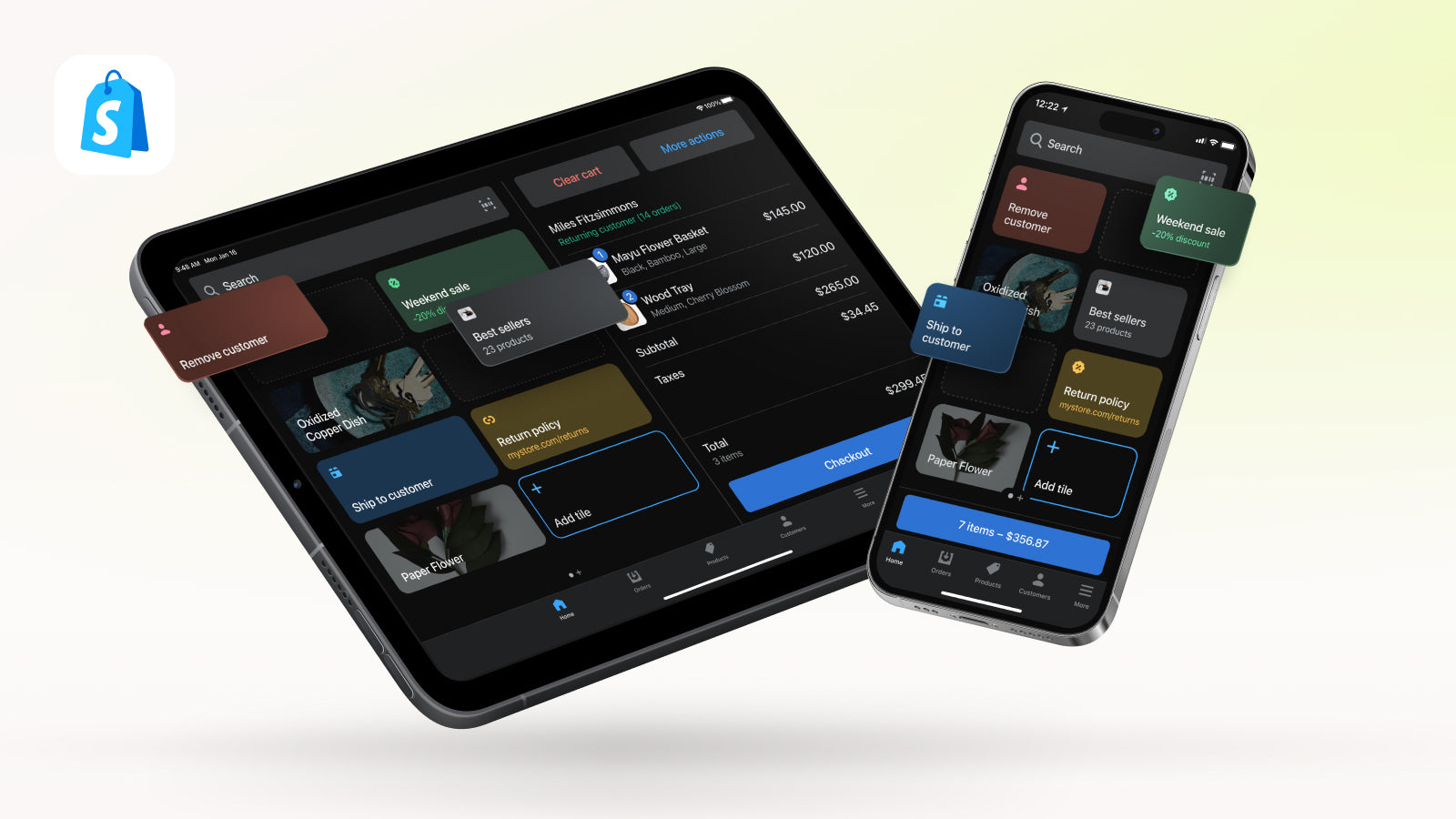
Shopify [POS](https://www.shopify.com/pos) 是一种 POS 应用,可用于当面销售产品。您可以使用 Shopify POS 在几乎任何地方销售,包括实体店、市场和快闪店。
Shopify POS 与 Shopify 同步,以跟踪您的零售店地点、在线商店和其他有效销售渠道中的订单和库存。您甚至还可以从应用中查看和管理您商店的订单。
### 硬件
您可以将 Shopify 关联到用于帮助线下和线上业务开发的一系列零售硬件。如果您是在[受支持国家/地区](https://help.shopify.com/zh-CN/manual/sell-in-person/hardware/getting-started#where)拥有商店的商家,则可以直接从 Shopify 购买支持的硬件。
若要了解有关满足商店需求的最佳硬件的详细信息,请参阅[硬件部分](https://help.shopify.com/zh-CN/manual/sell-in-person/hardware)。
### 管理 Shopify POS
设置商店并购买硬件后,您就可以开始使用 Shopify POS 进行销售。
若要了解有关如何管理商店的零售体验的详细信息,请参阅[当面销售部分](https://help.shopify.com/zh-CN/manual/sell-in-person/shopify-pos)。
---
# Agent Instructions: Querying This Documentation
If you need additional information that is not directly available in this page, you can query the documentation dynamically by asking a question.
Perform an HTTP GET request on the current page URL with the `ask` query parameter:
```
GET https://docs.sumamao.com/xin-shou-cun-ren-wu/shopify-hou-tai-cao-zuo-zhi-nan/pos.md?ask=
```
The question should be specific, self-contained, and written in natural language.
The response will contain a direct answer to the question and relevant excerpts and sources from the documentation.
Use this mechanism when the answer is not explicitly present in the current page, you need clarification or additional context, or you want to retrieve related documentation sections.